
By SaviorPay · Restaurant point of sale
Meet SaviorTouch.
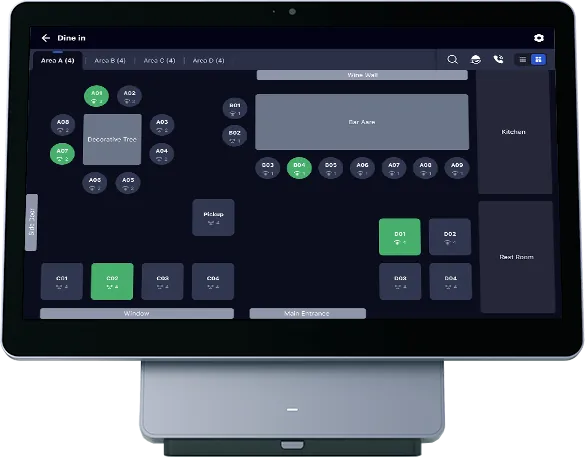
SaviorTouch is SaviorPay's own point of sale for restaurants. Follow one order through it below, then see it on your own menu in a demo.
Follow an order
From the first tap to the final check.
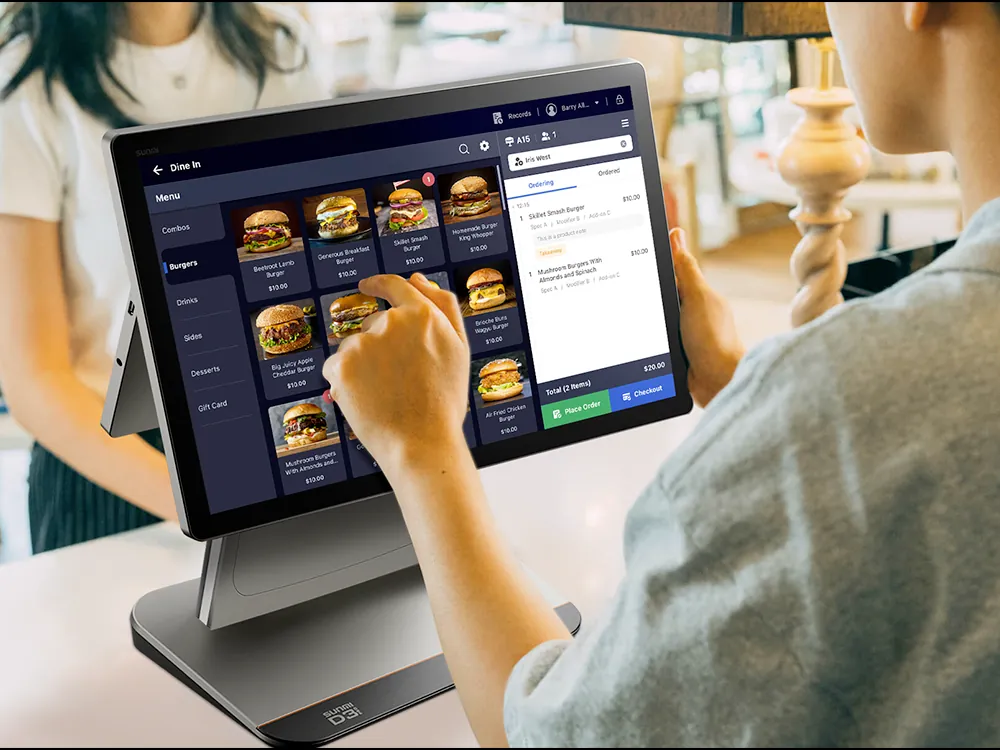
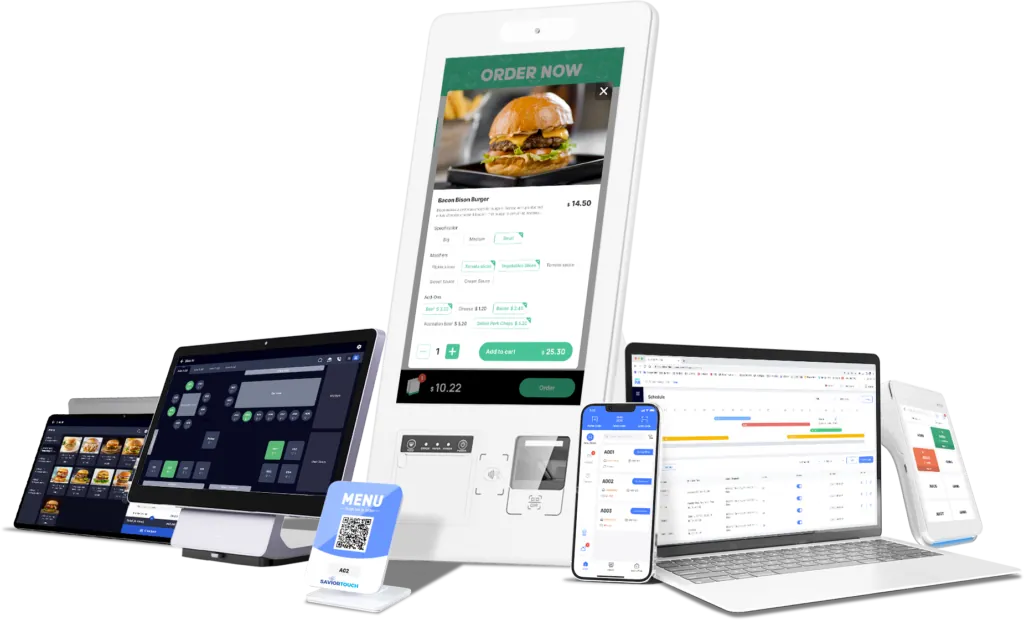
Categories down the side, items with prices, and the check building as you go, with each item's options.
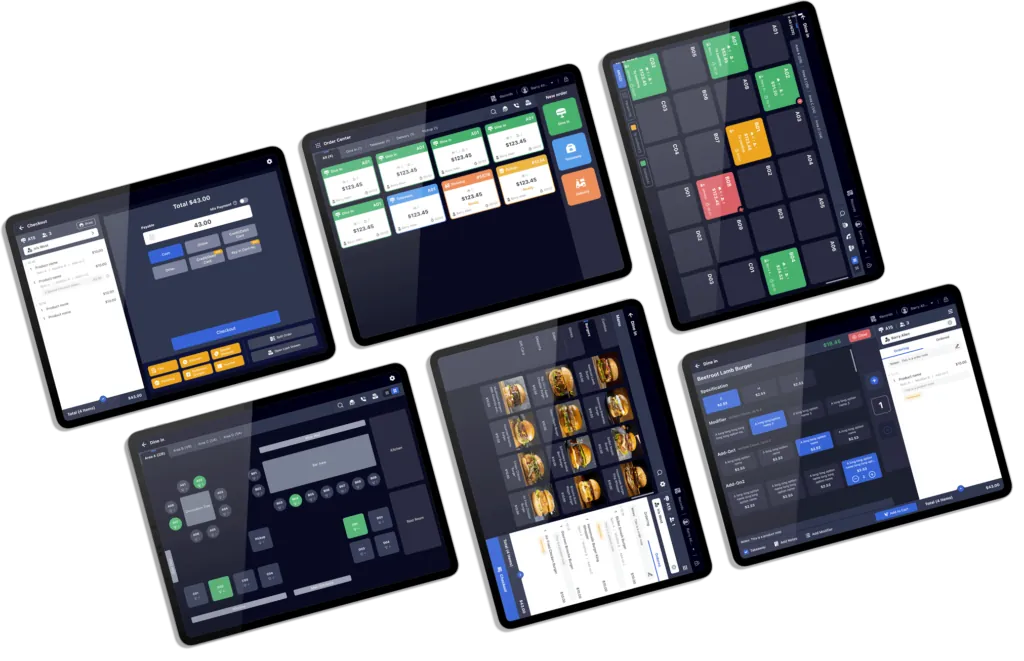
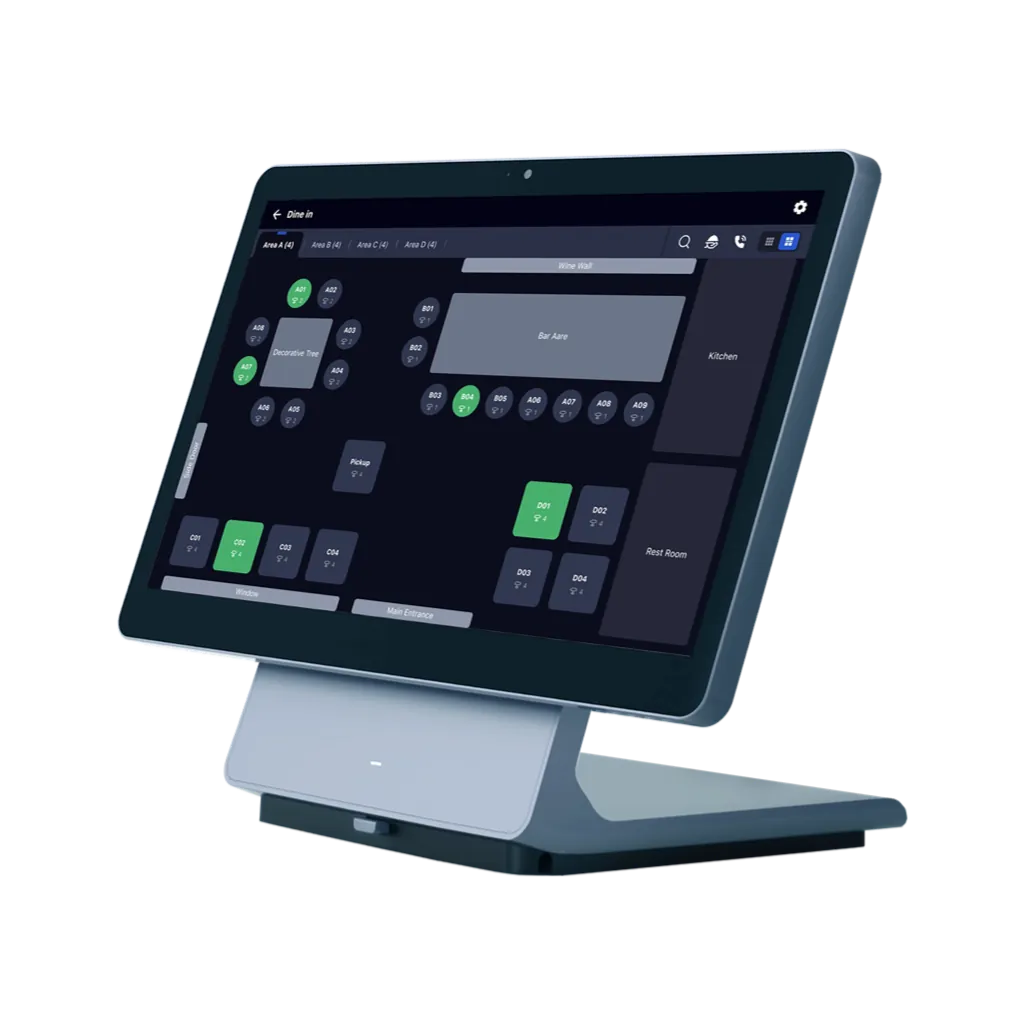
The room as it is laid out, so staff can see which tables are seated.
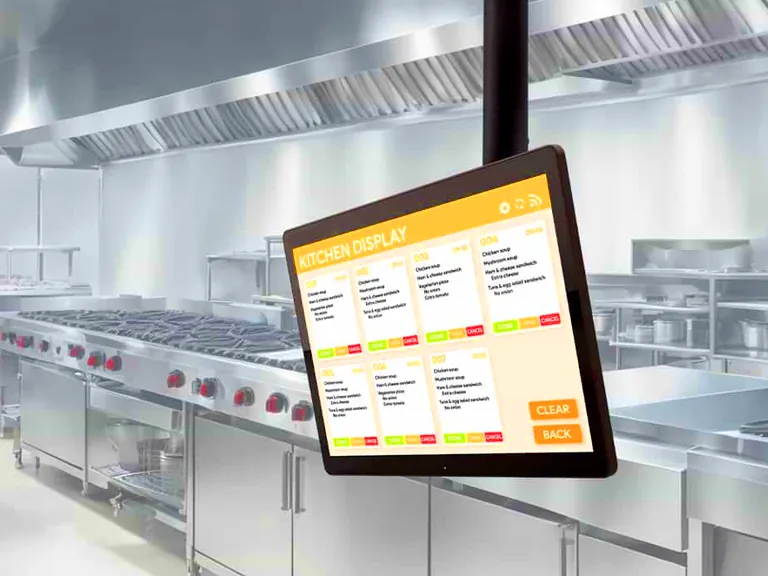
Tickets on a kitchen screen instead of paper, if a kitchen display is part of your setup.
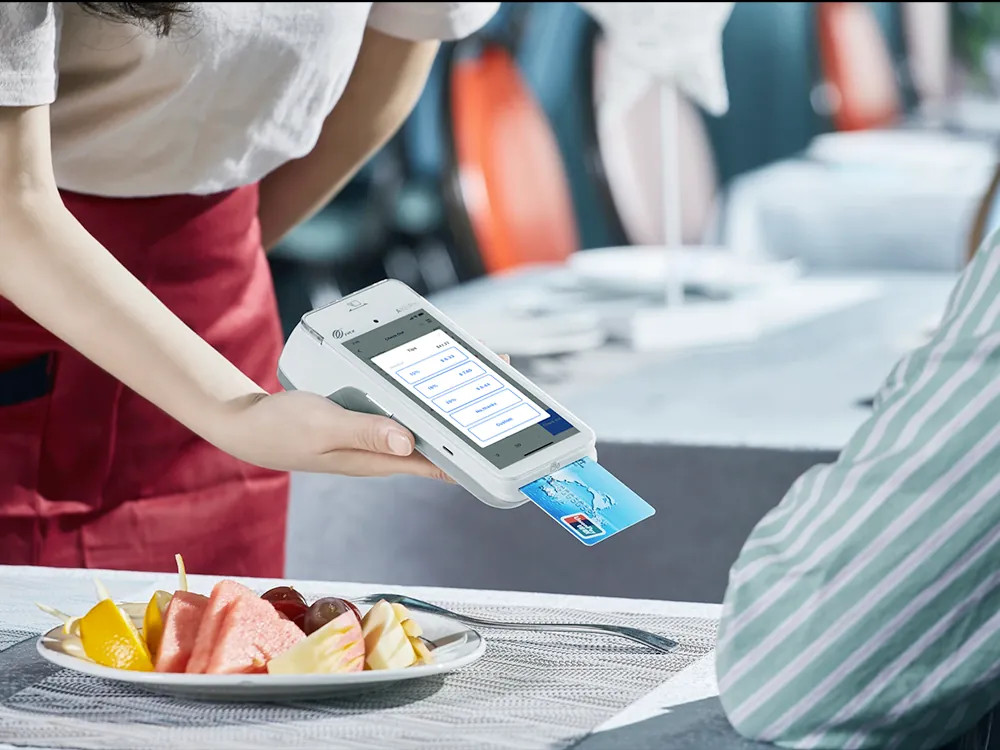
The card taken where the guest sits, with a handheld terminal, if your setup includes one.
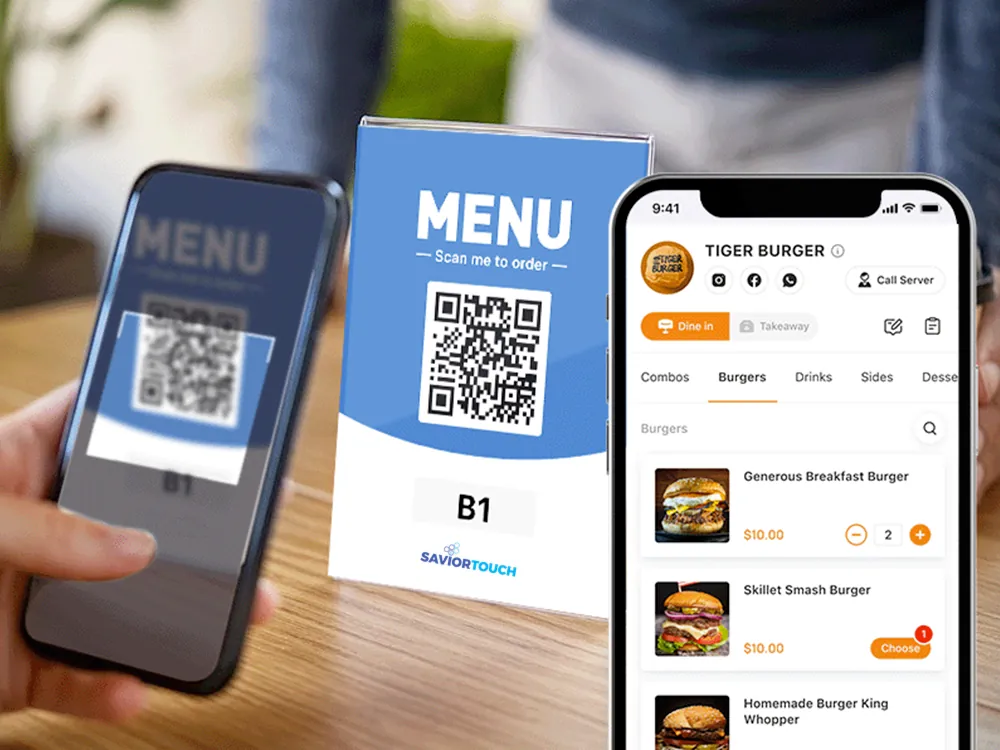
Ordering from the table by QR code, or from your website. Ask which channels are included in your package.
Screens shown are SaviorTouch product imagery. Which modules and devices are in your package is confirmed in your quote.
Choose your setup
The pieces you need, and nothing you don't.
Start with a counter terminal and add what your service needs: a kitchen display, a handheld for the table, a self-order kiosk, QR ordering. Exact devices are confirmed in your quote, and hardware makers keep their own names.
Questions worth asking
Will SaviorTouch handle our menu?
Bring your menu to the demo. We build part of it in SaviorTouch while you watch, with sizes and modifiers.
Can we keep our current hardware?
Sometimes. We check the exact models before anyone promises anything.
What happens when the internet drops?
Ask us to show you in the demo, including what happens to card payments, rather than taking our word for it.
What does SaviorTouch cost?
Software, devices, setup and processing are itemised in your quote, with optional parts marked as optional. Qualifying businesses can also apply for our free POS offer.