
SaviorPay

Comparison

SaviorTouch or Clover?

SaviorPay sets up both. Here is how they differ, and the questions that decide which one fits your business.

At a glance

QuestionSaviorTouchClover
Who makes itSaviorPay's own point of sale brandClover, a partner brand
Built forRestaurantsRestaurants, retail and services
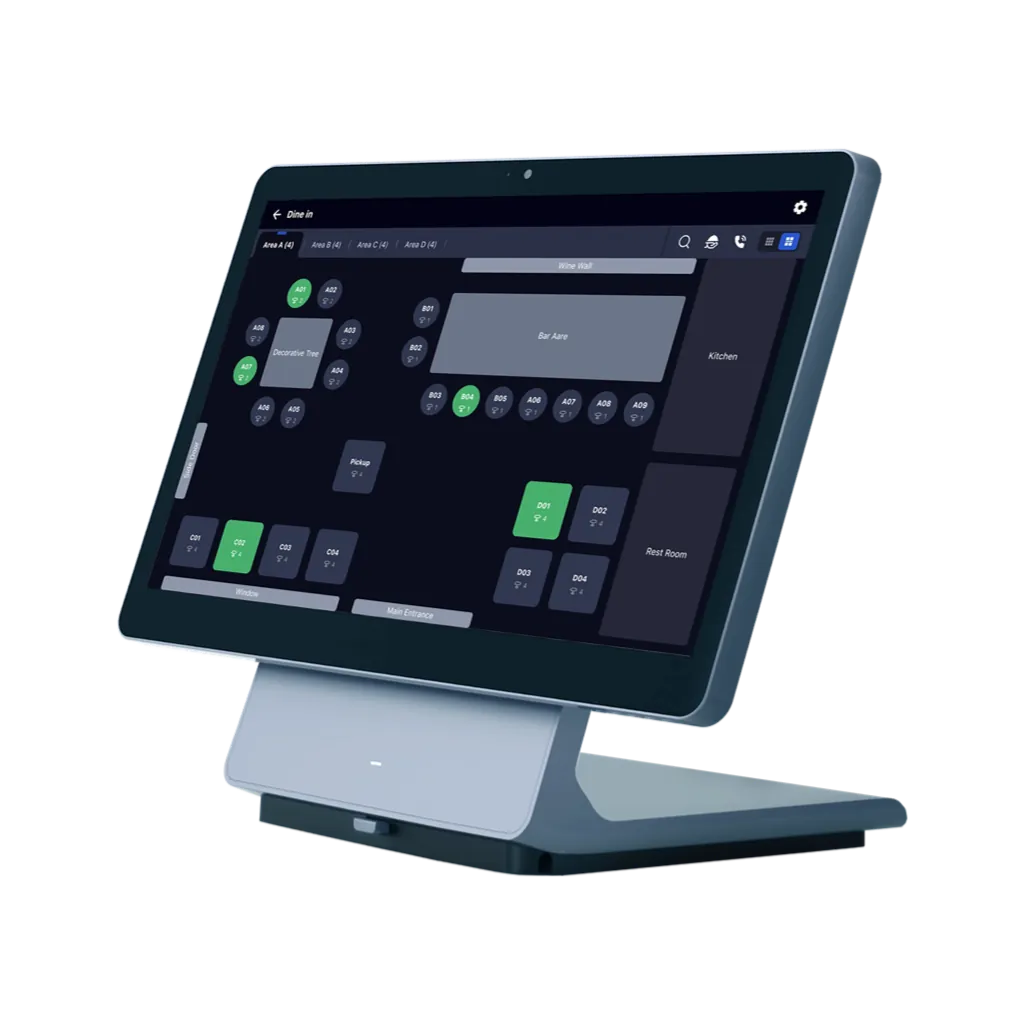
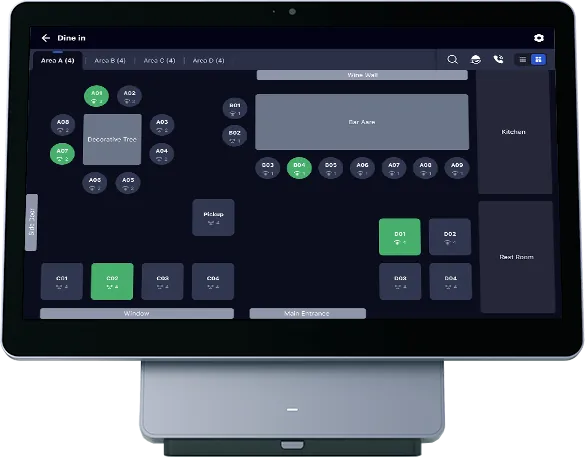
DevicesCounter terminals, handhelds, kitchen displays and more, confirmed in your quoteStation Solo, Station Duo, Mini, Flex, Kitchen Display, Clover Kiosk
Set up bySaviorPaySaviorPay
Best way to evaluateA demo on your own menuA conversation about how you sell
CostItemised in your quoteItemised in your quote

Clover device names as Clover publishes them, checked 13 October 2026. Features included in your package are confirmed in your quote. Clover is a trademark of its owner.

Reviewed 27 October 2026 · SaviorPay

Questions that decide it

What kind of business are you?

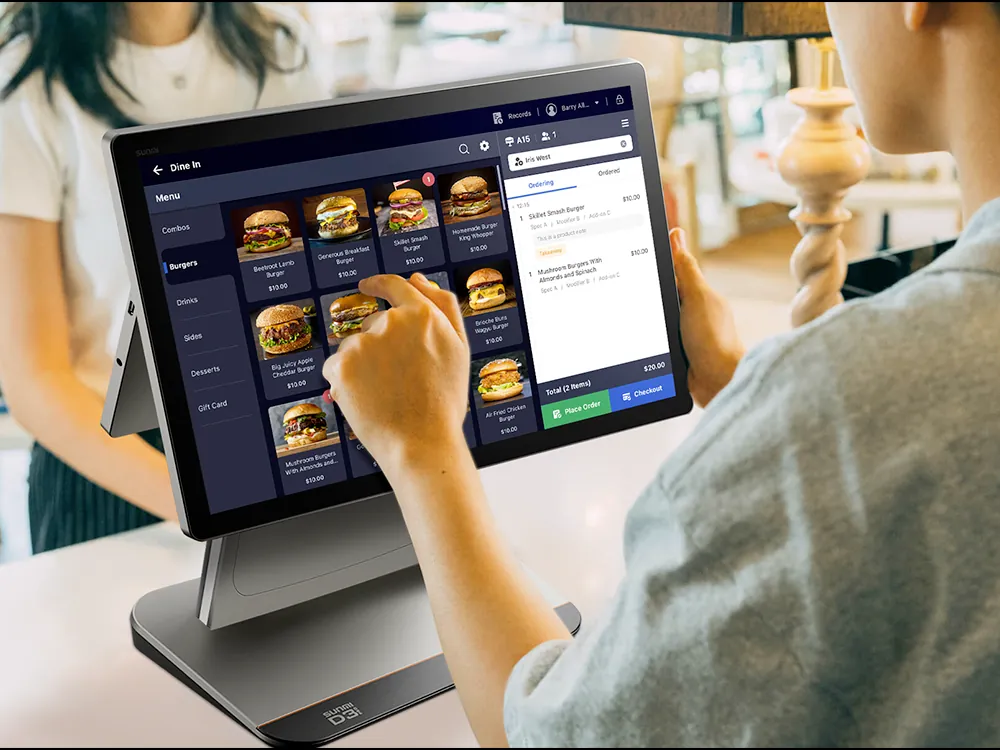
SaviorTouch is built for restaurants: counter, tables and kitchen. Clover covers restaurants and also retail and service businesses, so stores and salons usually start there.

How complex is your menu?

Sizes, modifiers and combinations should be tested before you commit. Bring your menu to a demo and we will build part of it while you watch.

Which devices do you need?

Count your stations: the counter, the kitchen, the tables, a kiosk. Both systems offer several devices; your quote names the exact models.

Do you qualify for a free POS?

Businesses with at least $30,000 a month in card sales, two years in business and a current point of sale can apply. Eligibility and terms are confirmed in writing first.